Canva is closing the connectivity gap with this offline mode. You can work without a connection for as long as two weeks, and once you do, everything will be in order. The feature is out now for all of us, and there’s no charge for it.
What has been put in place
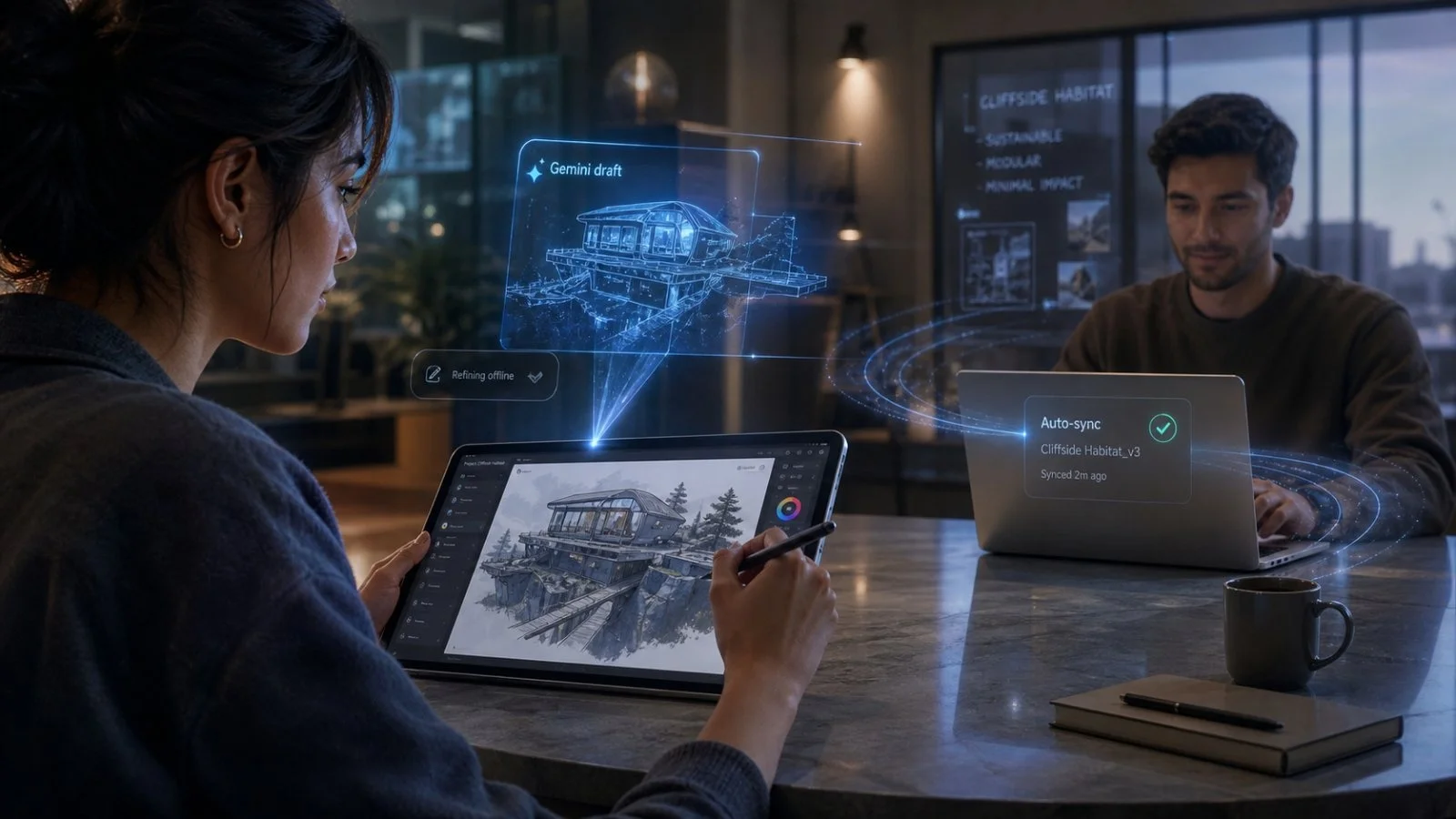
According to Canva, they are giving users what they have been after. You can set a design to be available when you’re not online, make your changes on any device that will take it, and let the system handle the rest when the signal comes back.
They put the word out about it at the Canva Create event some months back. Now it is with everyone, and the idea is to stop a spotty connection from being an excuse to put off your work.
And it is more than a short reprieve. Canva says you have 14 days of leeway. That covers you for a trip, a dead spot on campus, or a flaky mobile network.
A matter of strategy, with an eye on India
There is some positioning at work here. When you can make things without being tethered to the cloud, it puts a little heat on the competition whose apps don’t hold up as well when the Wi-Fi goes down.
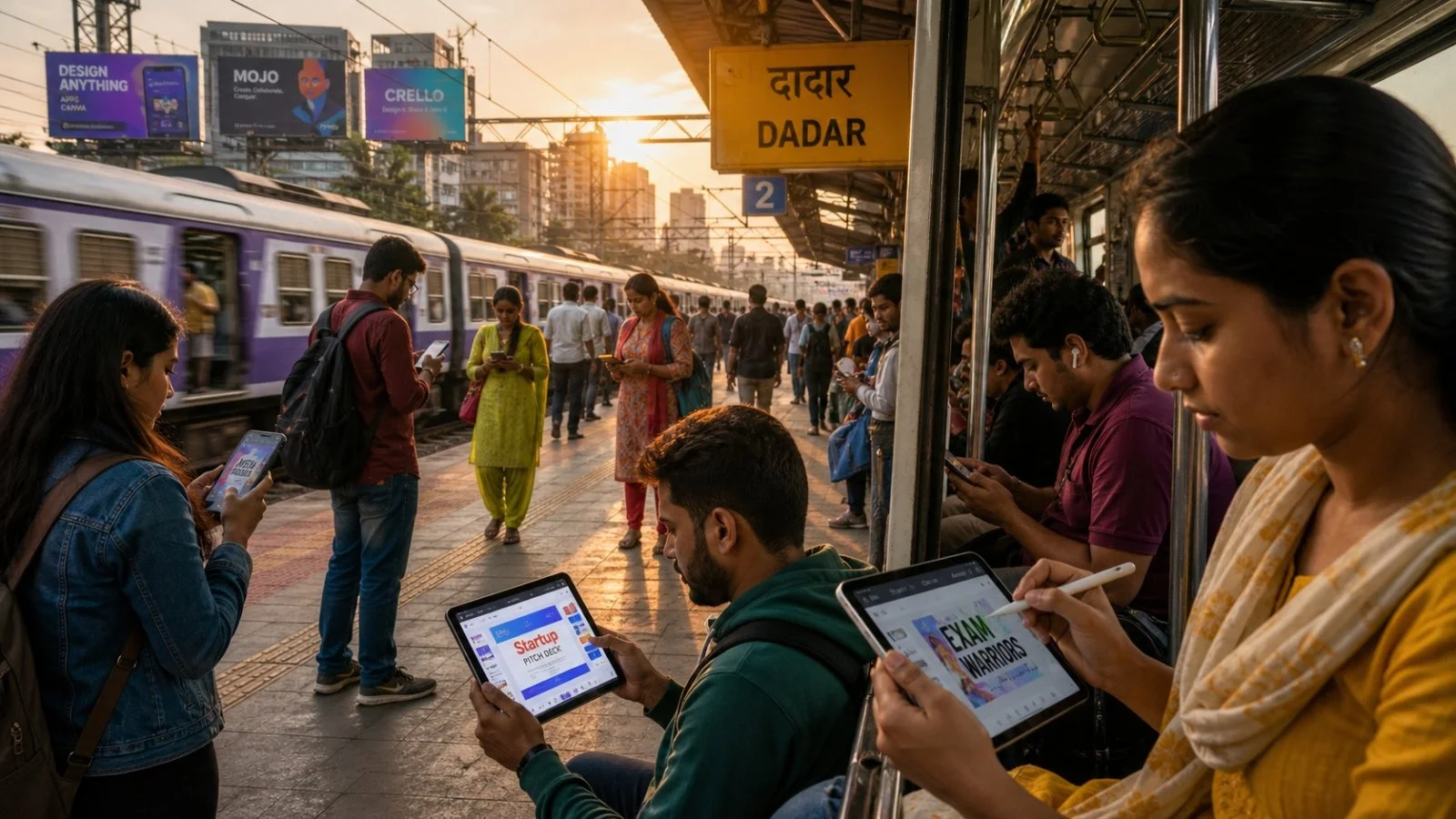
India is where you will see the most of this. Canva has pointed to the country as one of their top growth areas and built the feature with its habits in mind. “Offline Mode is us supporting the way India creates – on the go, mobile-first, and with a steady stream of ideas,” is how Rob Kawalsky put it.
We know who this is for: the student, the pro, the entrepreneur who is always on the move. You can edit and resync in a heartbeat so your team doesn’t have to deal with a mess of different versions.
How to do it
Canva has made it easy to get set up for when you can’t get a bar of service. You just need to flag the right files before you head out, and your edits will be stored locally until you can get them in the cloud again.
Here is the way to turn it on for a project:
– Go to the design you are working on
– Hit ‘Make available offline’
– Do your thing for up to 14 days, even if you’re unconnected
– Get back online and it will all be in sync
On the AI front
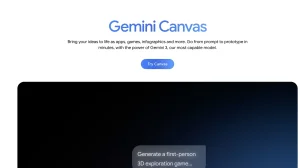
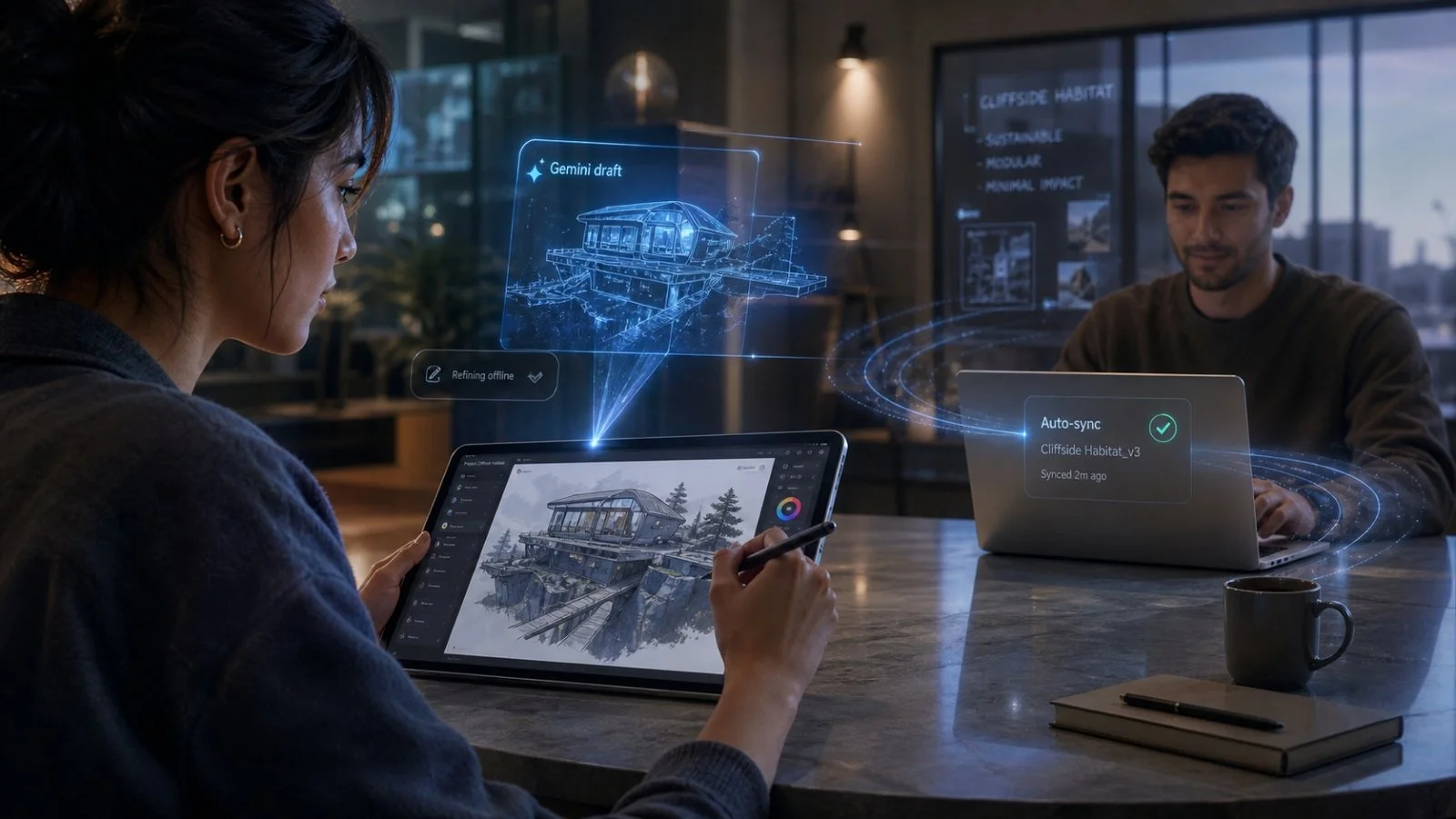
This is coming in the wake of the Connected App for Google Gemini. With Canva’s own model under the hood, you can start in Gemini and pick up in the Canva Editor without having to begin over.
You’ll also find Google’s Nano Banana in the Magic Layers tool. It’s part of a plan to make the whole process, from an AI prompt to a finished piece, as seamless as possible, whether you are collaborating or going it alone.
It means less rework for a team. You can put a concept in Gemini, let it flow into Canva, polish it up on your way home, and have it ready for your colleagues to have at when you’re back in the office.
The bottom line
Creative work is more of a race these days. By making the editor work without a wire, Canva is trying to clear a common hurdle instead of just patching it up.
In a way, it is a power move. When you have default offline and auto-sync, it is hard to be lured away by other apps. For Canva, that kind of loyalty is what turns a casual user into a full-fledged team.
They aren’t putting a price tag on it. Keeping it free is a statement: if you want to create, you should be able to, even if the network is unreliable. For some, that is the only offer that matters.