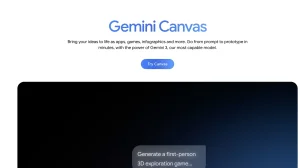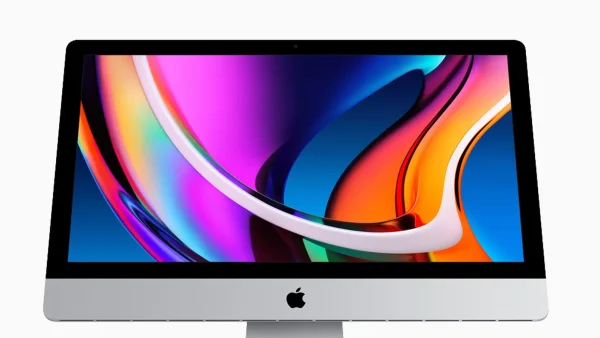
Google has made a proper Gemini app for Macs, so you get the AI helper directly on your desktop. You can get the app to appear by using a keyboard shortcut, share whatever you’re currently working on for specific help with it, and it even makes pictures and videos. Sundar Pichai, Google’s boss, also said the first version for Macs was created using Antigravity, a Google AI tool that writes code.
Native desktop experience and quick access
The Gemini app is where you are when you’re working, and it shows up with Option + Space. Option + Shift + Space will open a bigger chat window, and you can ‘pin’ Gemini to your Dock or leave it in the Menu Bar at the top of the screen for quick access.
The idea behind this is that you won’t have to switch between apps as much, and you’ll have less trouble when you’re writing reports, looking up facts, or creating spreadsheets. Gemini can get important information from charts, suggest formulas for spreadsheets, and summarize documents all without you having to stop what you’re doing.
Antigravity helped build the first Mac prototype
Sundar Pichai said the very first version went from just an idea to a fully working Mac program in a few days, and Antigravity built it. This tool uses ‘agents’ that work by themselves to plan, write and test software, and that makes development go a lot faster.
Antigravity is similar to other AI programs that create and check code, but this is one of the first times Google has openly said it used its own AI to make a new app for people to use. This shows how AI can make quick versions of programs.
Contextual screen sharing and creative tools
A key feature is being able to share the window you’re currently using for immediate context. You can choose just one window — even if the files are on your computer — to get answers specific to it, like to confirm dates, verify where information comes from, or get important numbers from a graph.
It also helps with being creative. You can create images using Nano Banana and make videos with Veo, all from your desktop, so you keep your creative work and your analysis in the same place.
System requirements and availability
To use the Gemini app on a Mac, you need macOS Sequoia (version 15.0 or newer) and it only runs on Macs with Apple Silicon. Google says it’s starting to become available around the world today and will be free in the countries and languages where it’s supported.
You can get the app from the Gemini website. It’s designed for both people using it for themselves and for businesses, and Google says they will add more features and updates in the next few months.
Productivity impact and next steps for desktop AI
The app is just a keyboard shortcut away, and Google wants to make AI a totally natural part of how you work on your computer. Teams can use it to check information, write things, and do regular jobs automatically, all without needing to leave the programs they are already using.
Google calls this release a first step toward a helpful desktop assistant that knows what you need. You can expect lots of small updates which will make it work with more things, get even better at understanding what you’re doing, and improve how it protects your privacy and how you use files on your computer. The fact that Antigravity made the initial version shows how AI tools are making software development quicker and allowing it to do more.