
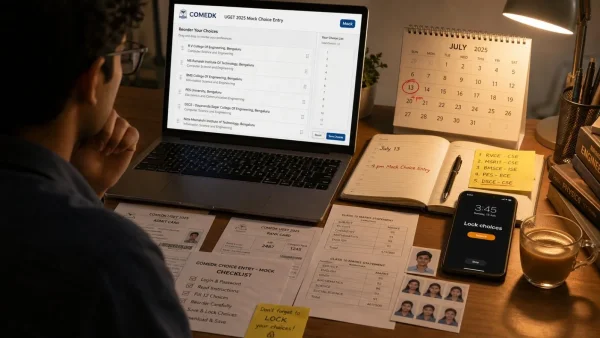
Today marks the opening of a key practice period for those in the running for an engineering seat. The UGET 2026 mock window is live as of 4 pm on comedk.org. Those who are registered can run through their web options and have until July 13, 2026, to put them in place. For some, this is where the work of turning a preference into a seat gets done.
Think of the mock as more than just a dry run. It is a way to learn the ropes of the interface, have a look at what colleges and branches are on offer, and fix any hiccups while there is still time. COMEDK has made it clear that you can rework and re-rank your choices as you see fit in the interim to build a plan that makes sense.
What the mock window means for applicants
In COMEDK’s view, this is strictly for getting used to the process. What is put in now is not set in stone. The goal is to head off any confusion when it comes time to lock in the real thing and to give a sense of how the list will be treated in the allocation phase.
There is no harm in some trial and error here. A student can put together a few different scenarios, see how the priority stack holds up with minor adjustments, and do so without putting the actual submission at risk.
The ins and outs of access and deadlines
This is for candidates who have already registered for counselling. Log in to the official site, comedk.org, with the application number and password. The link for the mock was put in motion at 4 pm on July 11, 2026.
July 13, 2026 is the hard line for locking in web options. After that, the door to editing is closed. It is best to work with the deadline in mind and not leave things to the last minute.
Why the order of your list matters
When it comes to allotting a seat, COMEDK looks at UGET rank, category, what is open, and the sequence of the submitted preferences. That sequence is the one variable in a student’s hands, so it should be a true reflection of what is wanted.
Should the result not be to one’s liking, COMEDK points out there are later rounds of counselling to be had. Making good use of the mock is a way to improve the chances of a better fit from the start.
Putting in and ordering your choices
To make for an uneventful first pass, the procedure is as follows:
– Head to the UGET 2026 portal on comedk.org.
– Put in the application number and password to sign in.
– Navigate to the section for option entry.
– Have a look at the colleges and branches involved.
– Arrange the options in the order they are to be preferred.
– Make a habit of saving as you go in the mock window.
– Lock it in by the July 13, 2026 date.
– Print off the options for the file.
A good list is one that is both practical and has some reach. Be sure to save often so as not to lose any of the work.
Have these on hand
It is a matter of convenience to have the right papers to hand; it makes for less trouble with data entry and verification. These are the ones to have ready:
– UGET 2026 admit card from COMEDK
– UGET 2026 rank card
– Marksheet from Class 10
– Marksheet from Class 12
– Some form of photo ID
– Passport-size photos
– Category certificate, where it applies
– Anything else COMEDK may call for
Getting in order now will pay off when the final window is open or if an early round puts a seat on the table. It is the only way to sidestep any hold-ups.
Looking ahead
The mock is followed by the final window for choice filling and locking. From there, COMEDK will put together the seat allotment in accordance with its rules on rank, availability and the like.
All that is left is to keep an eye on comedk.org for the latest and to see the process through in the time given. If the initial offering is not what was had in mind, there is provision for later rounds, as long as the rules are observed.