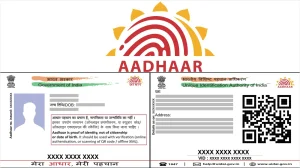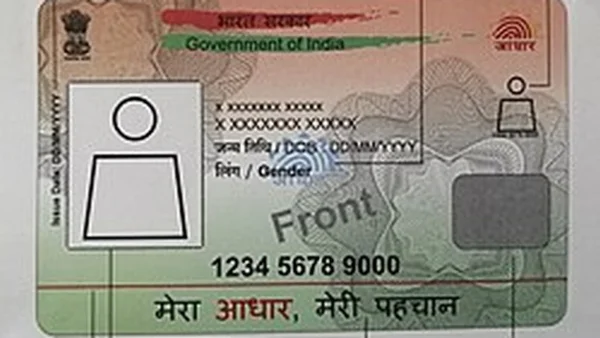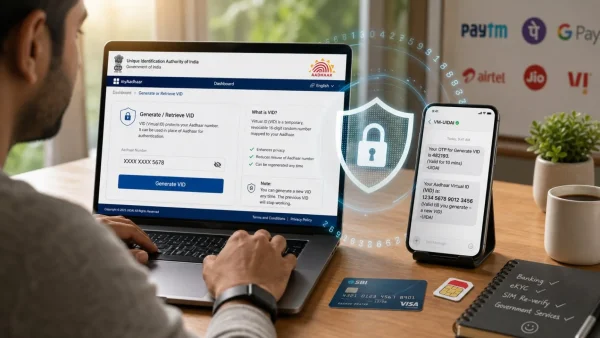
A relatively small change in how people in India share their identity information could make people less worried about fraud and change the risks of KYC. UIDAI’s Virtual ID, a 16-digit number that doesn’t last long, allows you to prove who you are without showing your Aadhaar number. Banks, financial technology companies, and phone companies can have less responsibility for data and continue to sign up customers quickly, and investors are paying attention to this combination.
The benefit is easy to understand: verification happens as smoothly as before, but your important number remains secret. If you’re opening a bank account, or getting a SIM card for your phone, sharing a Virtual ID instead of your Aadhaar number makes it less likely to be stolen or misused, and it won’t slow the process.
What the Virtual ID changes
A Virtual ID from UIDAI is a 16-digit number that is linked to your Aadhaar and can be cancelled. It’s an extra level of security, stopping your actual Aadhaar number from being seen when you prove who you are.
You can make a new Virtual ID as many times as you want. Each time you get a new one, the old one stops working immediately. This limits how long your number is vulnerable and makes your privacy more secure.
Investor lens: risk down, trust up
For services where people directly use Aadhaar eKYC, hiding the main identification number lessens the harm that could be done if data is leaked. It also encourages people to use temporary login details, which is what you’d expect for privacy from the beginning, and lowers the chance of damage to a company’s reputation from fraud.
Here is what the feature implies for stakeholders:
– Users avoid sharing Aadhaar number directly
– Authentication proceeds with a 16-digit VID
– Previous VID becomes invalid after generating a new one
– Identity verification remains seamless for KYC and SIMs
– Fraud risk is reduced through number masking
How to generate an Aadhaar Virtual ID
You can make a Virtual ID online in just a few minutes. You’ll need your Aadhaar number and your mobile phone number (the one registered with Aadhaar) must be working so you can get the OTP (One Time Password).
Go to https://myaadhaar.uidai.gov.in/ and log in using your Aadhaar number and the OTP sent to your phone. On the main page, find and click the “Generate Virtual ID (VID)” option, then select “Generate ID”.
The 16-digit Virtual ID is created right away. It will appear on your screen and will also be sent to your phone as a text message for you to easily find and use.
Refreshing or revoking control
You can create as many Virtual IDs as you need. Each new one you make cancels the previous one, so you have simple and consistent control over where your identification can be used.
Why it matters now
Many people have been reluctant to give out their Aadhaar widely because they are worried about their data and fraud. By using the Virtual ID instead of Aadhaar for most verification, people can complete tasks without giving away their actual number.
UIDAI says the Virtual ID is to protect your private information while continuing to allow services to work. For businesses and those who invest in them, having fewer numbers exposed can mean fewer expensive problems and greater trust from customers as time goes on.
In simple terms, whenever a service asks for your Aadhaar to verify you, use the Virtual ID. This protects your number from being shared when it doesn’t need to be, lowers the chance of your identity being stolen or being a victim of fraud, and it’s easy to create and cancel at any time.